Marks & Unread
m then a letter marks the selected PR with it; the letter appears in the first column in a
colour fixed per letter, and the title turns gold. The same letter again unmarks. ' then the
letter filters to that mark ('a is marks:a); '' clears; >marked shows every marked PR.
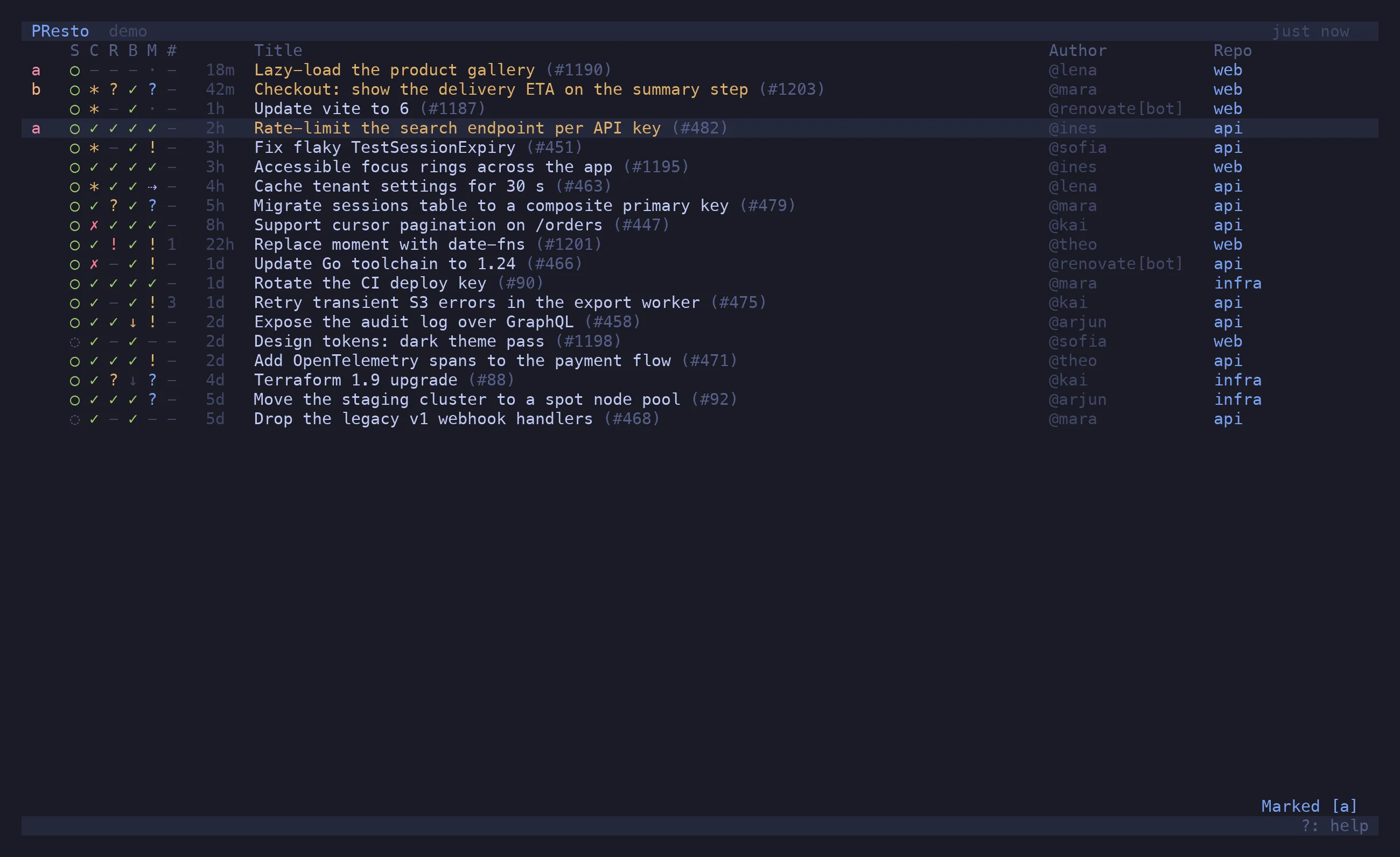
Marks are the way to keep a hand-picked set: “the three I need to land this week” as w,
“waiting on someone” as z. A tab on marks:w keeps the set one
key away. Marked PRs are fetched on every refresh even after they leave the open list, so a
merged one is still there under 'w.
Unread
Section titled “Unread”Every refresh compares each PR to the snapshot from the last one. A difference — new commits, new comments, an approval, changes requested, merged, closed, reopened, ready, draft, checks passed or failed — marks the PR unread: a blue dot in front of the row, a toast at the bottom, and the changes listed in the preview. Tabs containing an unread PR show a dot in the tab bar.
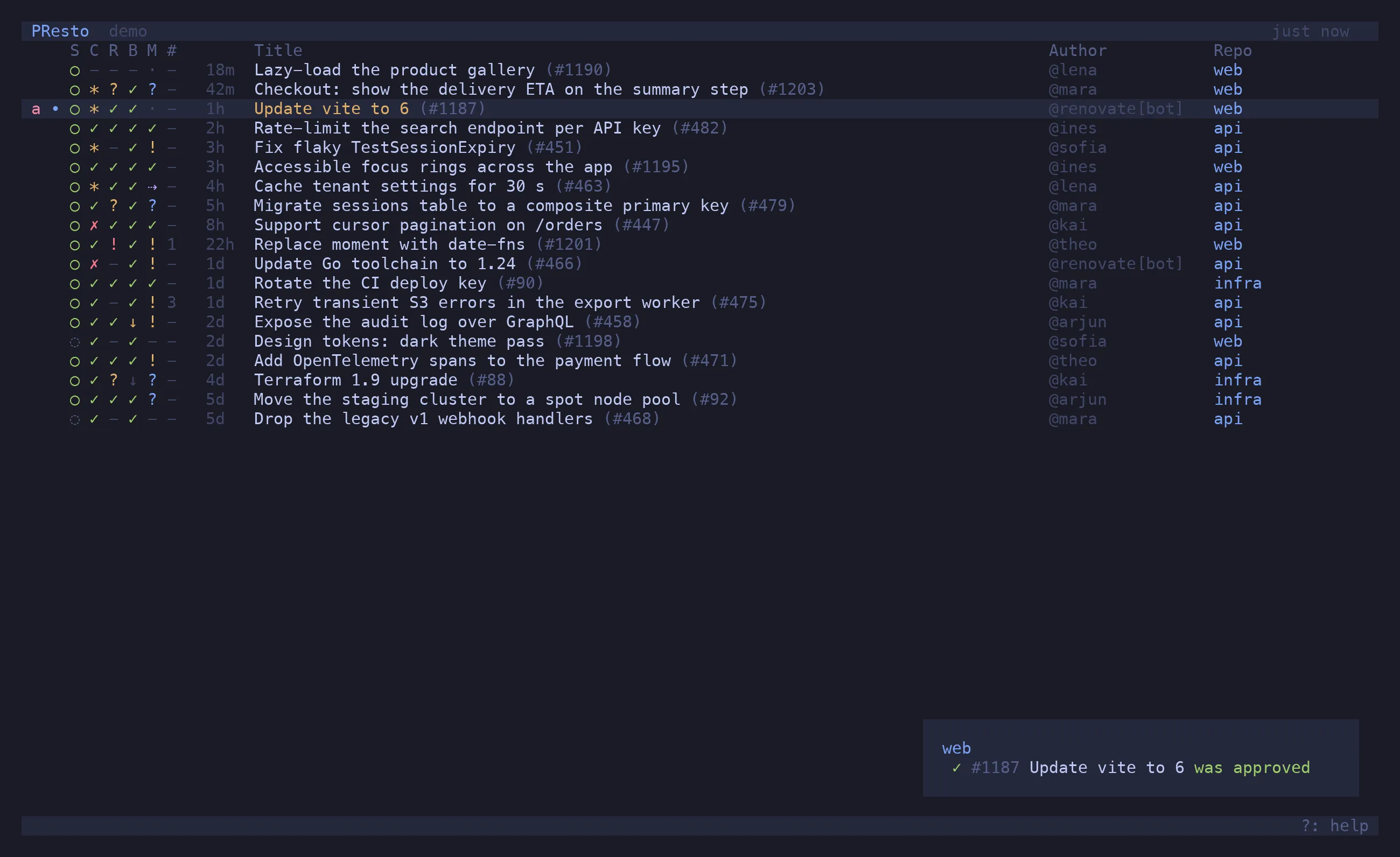
Only PRs presto is tracking are compared: your own, plus any that are marked or that you opened recently. The first refresh after a PR starts being tracked takes its snapshot; changes are reported from the next one on.
A PR is marked read when you open it (↵, o, p) or move off it with the preview open; v
toggles it by hand. >unread (^U) lists what is still unread. With
notifications.desktop = true the toast is also sent as a system notification (macOS:
terminal-notifier if installed, else osascript; Linux: notify-send).
Stars and recent
Section titled “Stars and recent”⇧S stars the selected PR’s author. Starred authors are offered first by tab completion,
>starred (^S) lists their PRs, and a repo with starred_only = true shows nobody else.
PRs you open are remembered; >recent (^R) lists the last thirty, fetching the ones that
have since merged.