
Filtering
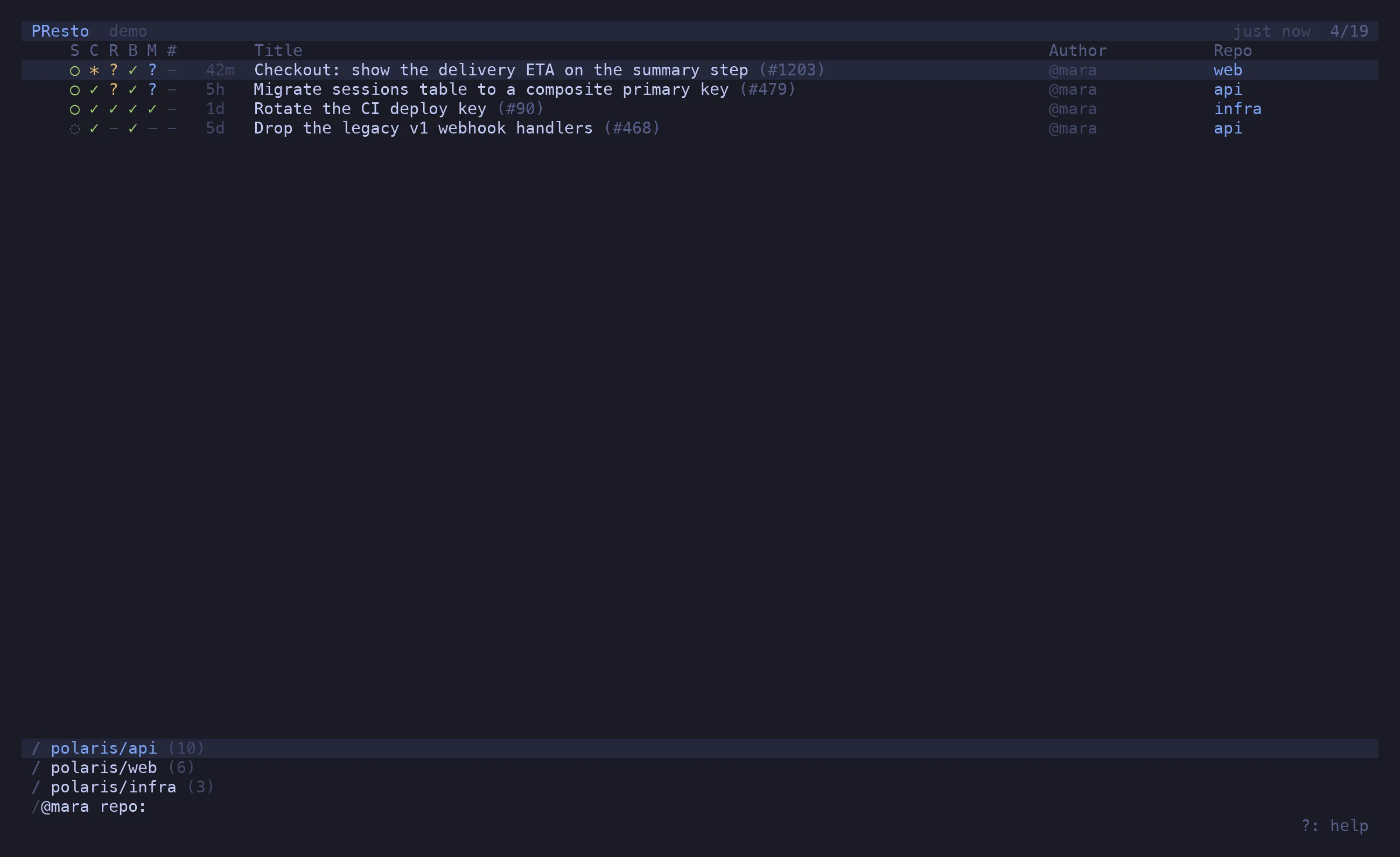
/ opens the filter prompt. It narrows the list as you type, tab completes an author or repo
from the ones it has seen, ↵ keeps the filter, esc drops it. The active filter is shown in
the status bar; ⌫ clears it.
The grammar
Section titled “The grammar”A query is a sequence of tokens. Tokens of the same kind OR, different kinds AND, and a
leading - negates.
| Token | Matches |
|---|---|
@login |
author — @me is you |
-@login |
not this author (-@renovate[bot]) |
repo:name |
repository, by substring of owner/name |
-repo:name |
not this repository |
state:open / draft / merged / closed |
state — open excludes drafts |
-state:draft |
not this state |
>unread |
PRs with changes you have not looked at |
>marked |
PRs with a mark letter |
marks:a |
PRs marked with that letter ('a types this for you) |
>recent |
PRs you opened recently |
>starred |
PRs by starred authors |
* |
show everything, including PRs hidden by starred_only repos |
482 |
PR number, among the rows already listed — nothing is fetched |
| anything else | free text against the title |
Without a state: token the list shows open PRs and drafts only. Merged and closed PRs are
fetched on demand when you ask for them (state:merged), for the last 30 days.
/ @me -state:draft/ repo:api repo:web >unread/ @theo state:merged/ flaky test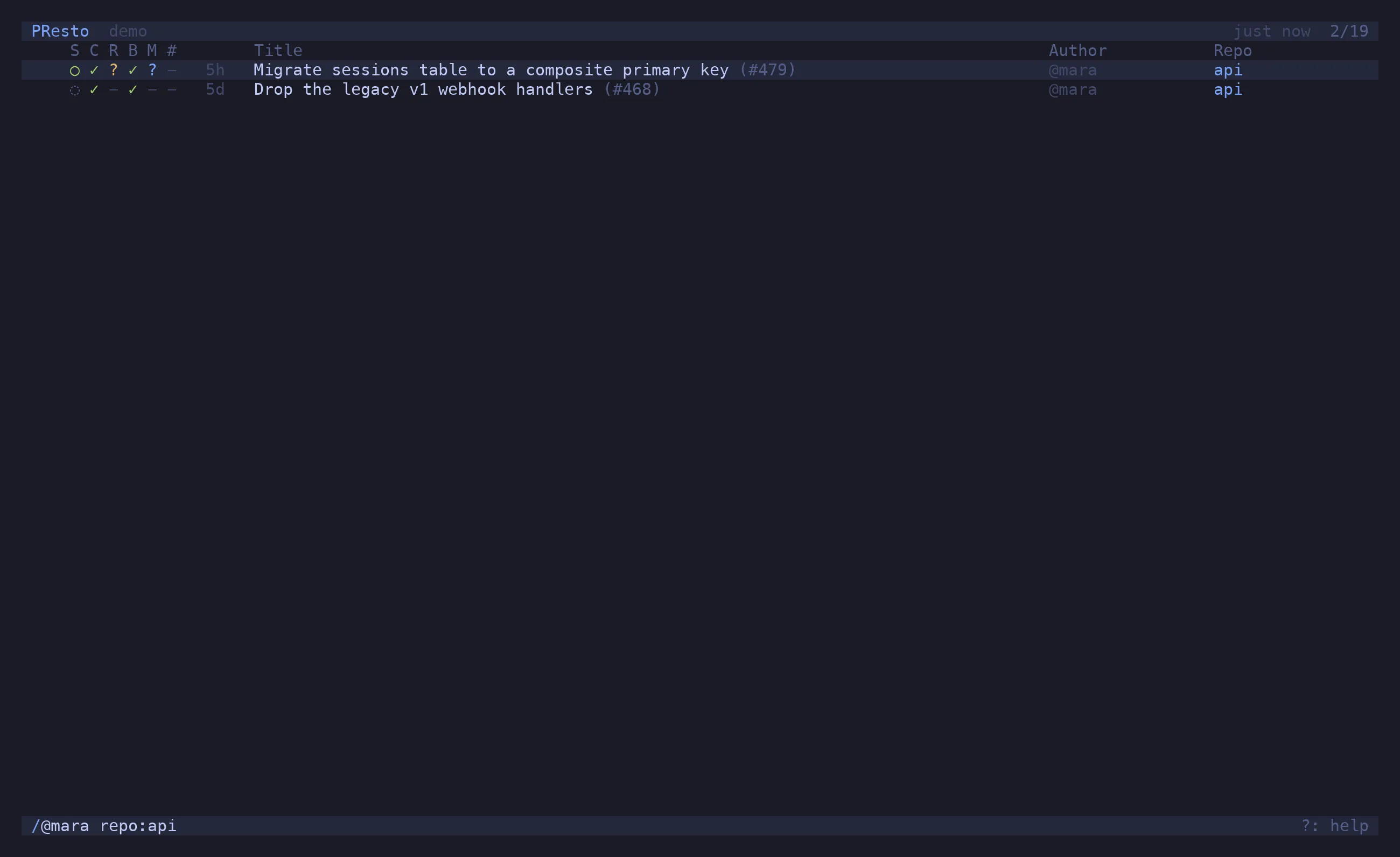
One PR
Section titled “One PR”Paste a PR reference and the filter becomes a lookup:
/ https://github.com/polaris/api/pull/482/ polaris/api#482/ api#482/ #482 searched across every configured repoWithout the #, a number is just a filter on the list in front of you (see the grammar
above).
If the PR is not in the list — it is merged, or from a repo you don’t watch — presto fetches
it. A repo you look into this way is remembered as visited and offered by tab completion
from then on; Forget this repo in the palette removes it.
A branch
Section titled “A branch”A single token containing a / is taken as a head branch name and looked up across the
configured repos:
/ feature/OSA-1337-desktop-destroyerStarred-only repos
Section titled “Starred-only repos”A repo with starred_only = true shows only PRs by authors you have starred (⇧S). It is the
way to watch a busy repo for a few people. * in the filter lifts the restriction for a look.